When you join a Tour, apart from the facility of guidance through the model, you (and anyone else) are able to annotate any Elements that have surfaces by drawing on them in a 2D window.
All other participants of the same tour will see your annotations (and you will see theirs) in the model.
To annotate an Element:
1) Tag it
2) Expand the Tag by clicking on its name and press the "Edit tour annotation" button
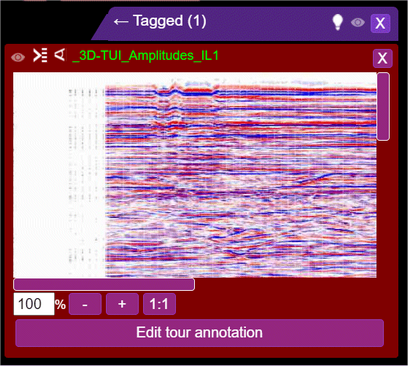
You will see the Element in a new 2D tab.
You will also see, overlaid, your saved annotations for that Element in that Tour:
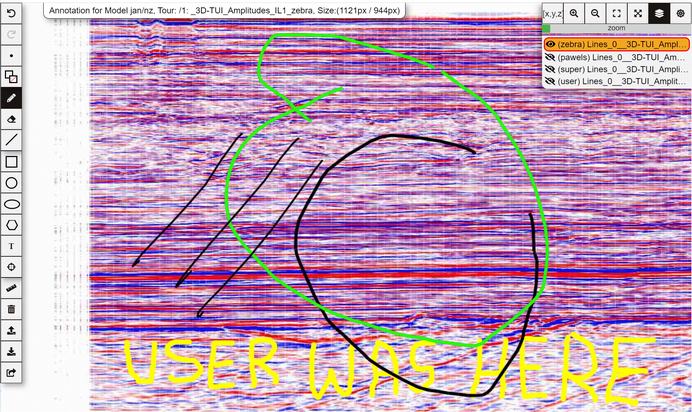
Towards the top-right, you will see a list of other users' annotations for this Element in this Tour.
You can turn their visibility on selectively to help you add your annotation with respect to theirs.
There is a comprehensive set of tools for drawing and writing along the left column.
Once you are ready, press "push to Tour" button right at the bottom of the column.
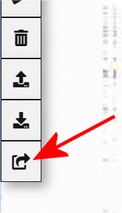
Your updated annotation for this Element becomes a permanent part of this Tour for all Tour users to see in the Model.